

Chart Time Plus
Description:
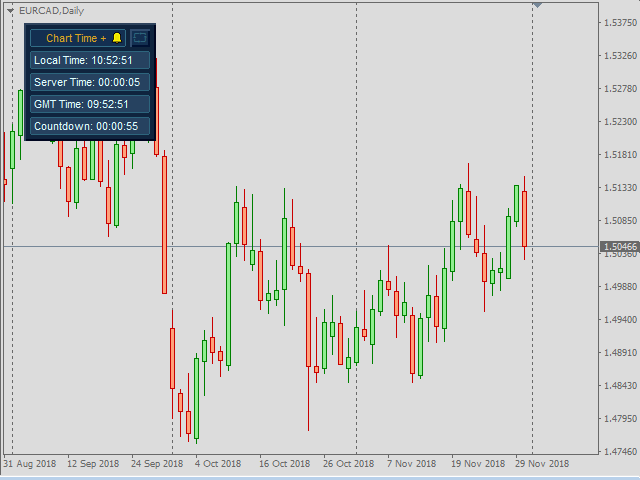
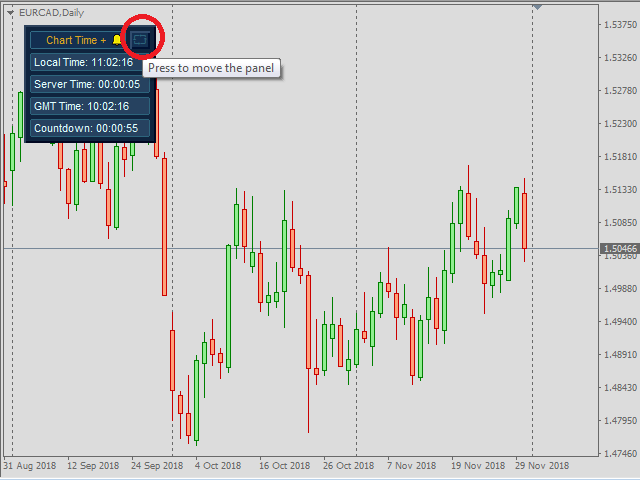
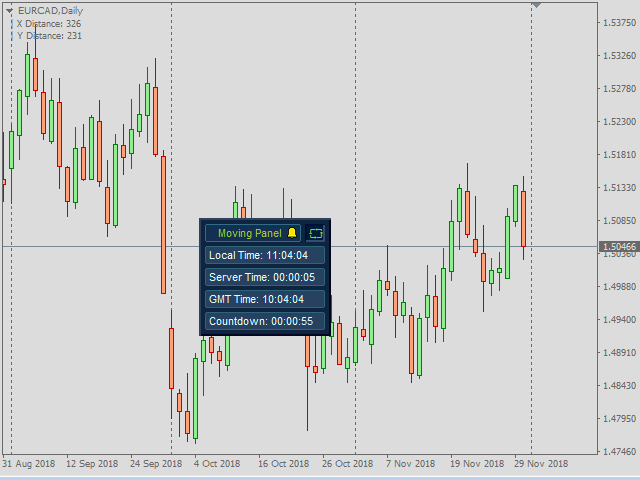
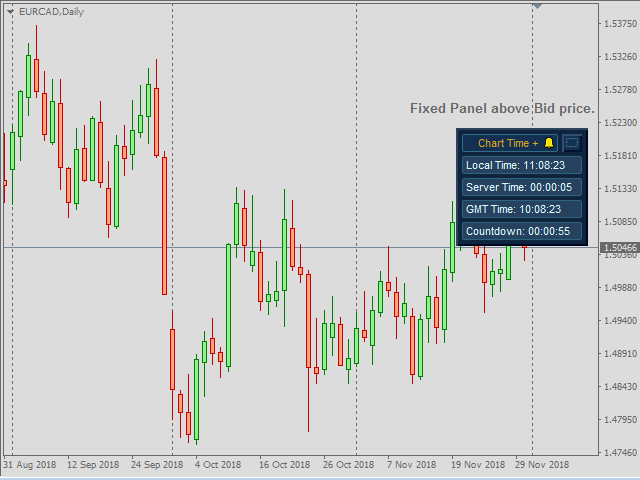
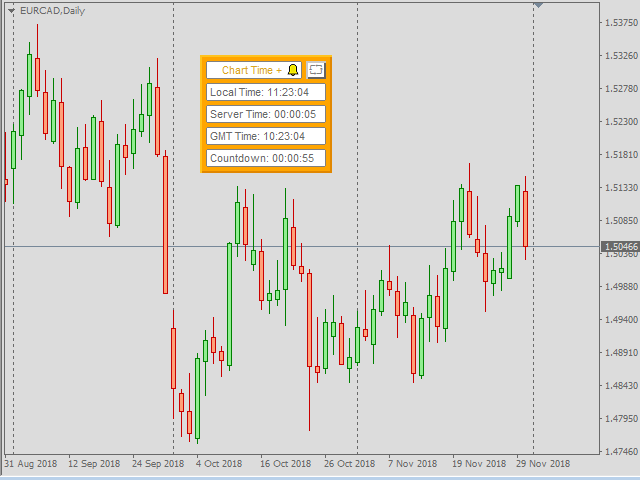
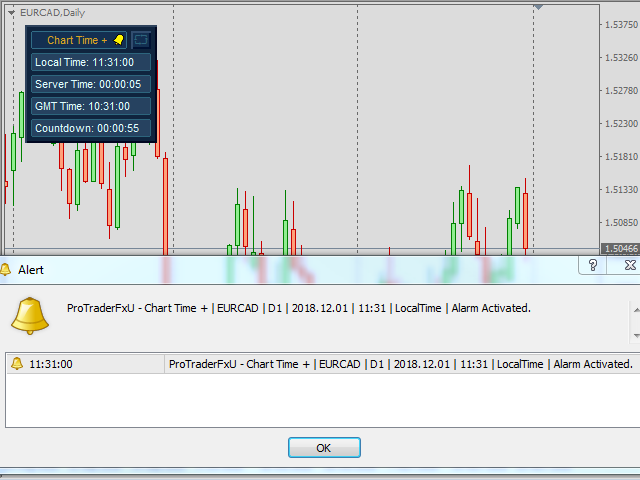
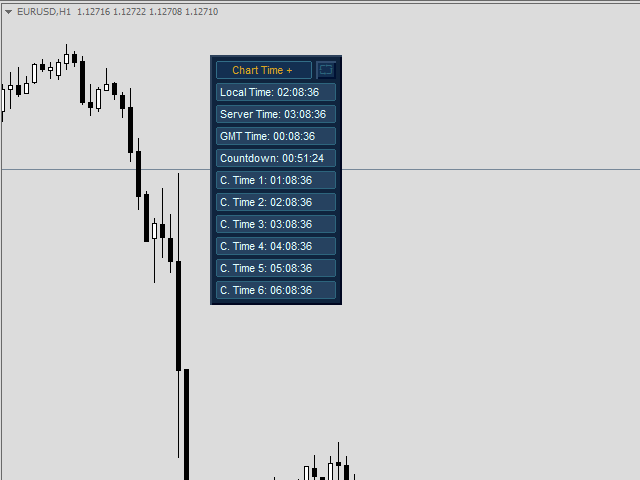
- Chart Time + Indicator is very simple and easy, but it can be very important to control the time before opening any manual trade. This indicator shows the time in a panel between 3 different options. Can be possible to move the panel with mouse or with fixed coordinates on the chart.
Input Parameters:
- Local Time: Enable Local Time if you want to show it (Personal Computer Time).
- Server Time: Enable Server Time if you want to show it (Broker Time).
- GMT Time: Enable GMT Time if you want to show it.
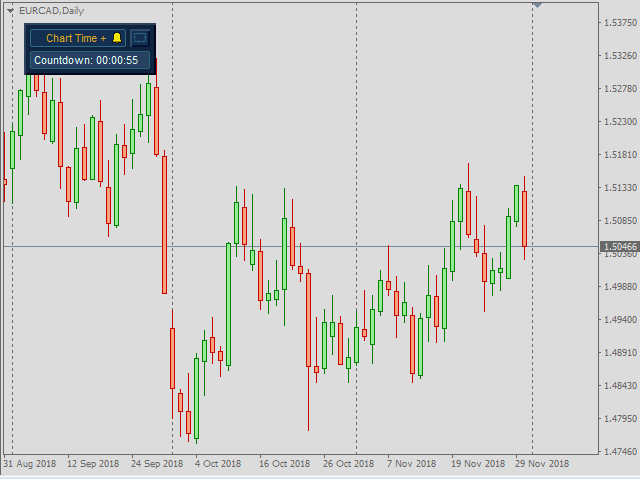
- Countdown Time: Enable Countdown Time of the last candle if you want to show it.
- Refresh Time: Select to refresh by Tick (only every tick) or refresh by Time (every second).
- Show / Hide the Seconds of all Times: Show or Hide all seconds of enabled times.
- Coordinates X Upper Left Corner: Put value of the default fixed coordinates X since the upper left corner to show the panel.
- Coordinates Y Upper Right Corner: Put value of the default fixed coordinates Y since the upper left corner to show the panel.
- Fixed Panel in Bid Price: You can fixed the panel above or below bid price.
- Coordinates X since Right Side: Distance in pixels between right side of chart and the panel.
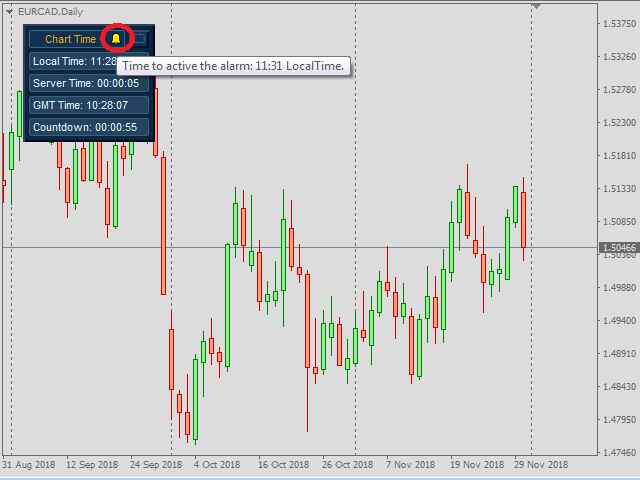
- Alarm by alert Message: Enable if you want to have alert Message.
- Alarm by Push Notifications: Enable if you want to have Push Notifications.
- Alarm by Print in Expert Terminal: Enable if you want to Print the alert in the experts tab on terminal tool of metatrader .
- Alarm by Email: Enable if you want to have Email.
- Choose Time: Select the type of time you want to use to activate the alarm.
- Hour to Start: Hour to active the alarm.
- Minutes to Start: Minute to active the alarm.
- Text to show in the selected option to send: Text to show when the alarm is activated.
- Custom Time 1: Enabled or disabled Custom Time 1.
- Text to show in the Panel 1: Text to show in the box Custom Time 1.
- Choose Offset GMT Time 1: The time you want to select Custom Time 1.
- And more parameters for the personalized alarm time 1.
- And the same up to 6 customizable times.
- Choose skin of panel: The colors of the visual aspect of the panel, with Dark Skin, Light Skin or Custom Skin.
- Panel Colors: Custom colors of the visual aspect of the panel if we have selected Custom Skin.
Recommendations:
- Use only one Chart Time + Indicator for each Chart.
- If you choose the option to refresh by Time, sometimes there may be an error when loading this option, in this case try installing this indicator again.


 nload="if(window.viewGallery_GalleryManager) viewGallery_GalleryManager.ImageonLoad(this,7);" />
 nload="if(window.viewGallery_GalleryManager) viewGallery_GalleryManager.ImageonLoad(this,8);" />
 nload="if(window.viewGallery_GalleryManager) viewGallery_GalleryManager.ImageonLoad(this,9);" />
 nload="if(window.viewGallery_GalleryManager) viewGallery_GalleryManager.ImageonLoad(this,10);" />
 nload="if(window.viewGallery_GalleryManager) viewGallery_GalleryManager.ImageonLoad(this,11);" />
状态:离线 发送信件 在线交谈
姓名:顺水的鱼(先生)
职位:投机客
电话:18391752892
手机:18391752892
地区:默认地区
地址:西安市高新区软件园
邮件:3313198376@qq.com
QQ:3313198376
微信:18391752892
阿里旺旺:顺水的鱼waterfish
Skype:3313198376@qq.com