

FX2 Grid Evolution
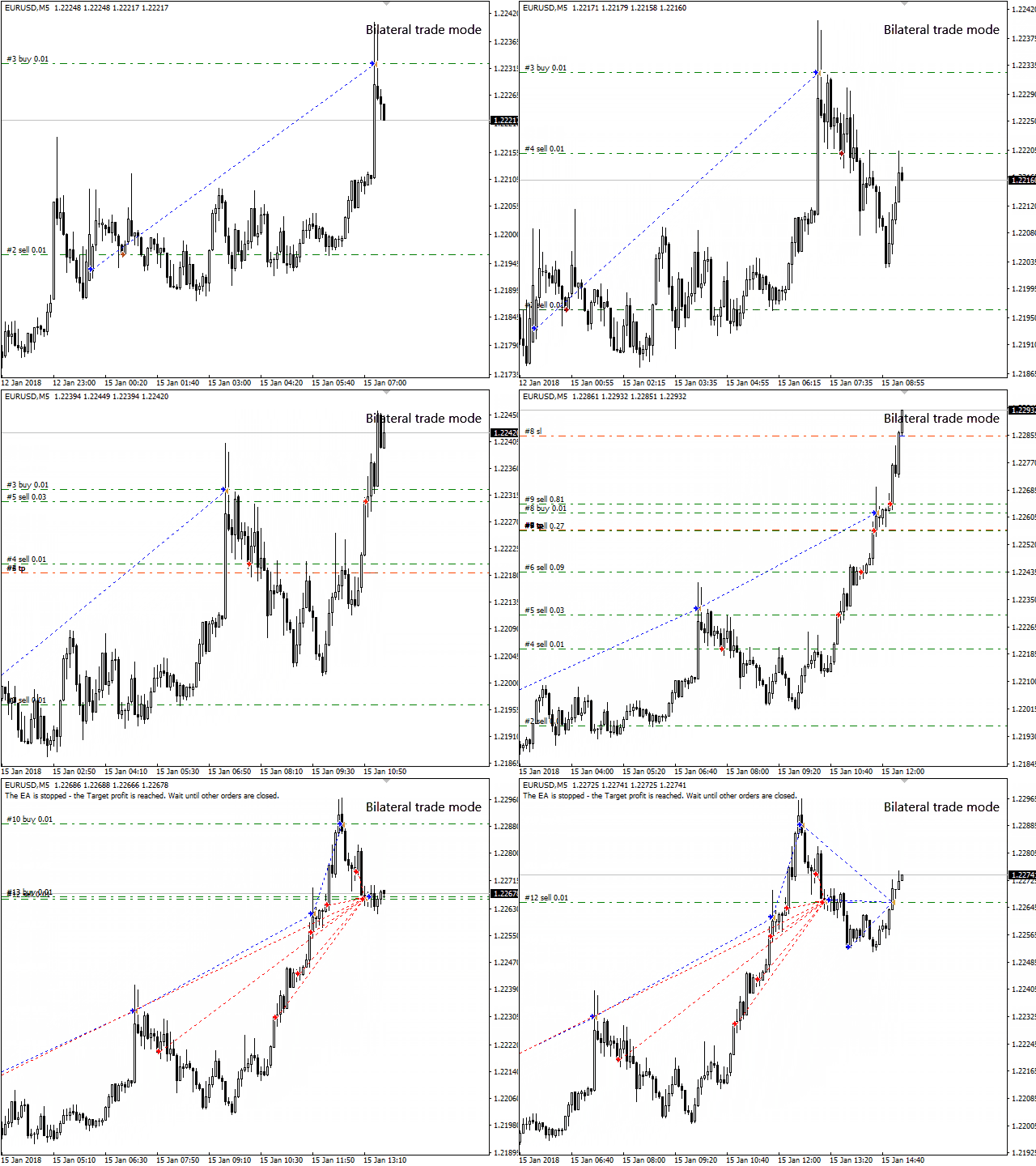
FX2 Grid Evolution - is an automated trading system based on a grid algorithm, the EA has several trading modes: in one direction, the mode of locking orders, bilateral trade. The EA has several modes of grid operation: Fixed grid (has 4 types of lots: Fixed Lot, Summation Lot, Martingale Lot, Fibo Lot), Dynamic grid, Manual grid with 5 levels. Depending on the trading mode, RSI indicators, a trend indicator, a channel based on the Moving Average indicators are used.
Recommendations
- Default settings M5 EURUSD
- VPS server
- Leverage 1:500 or bigger
- Define trading parameters for your broker individually, taking into account the size of the spread, commissions, period, features of quotations, leverage, etc
- Before using the EA on a real account, test the EA in the strategy tester and on a demo account
- Monitor the operation of the EA and, if necessary, perform trade optimization
Input parameters
- Fixed Lot – fixed lot size
- Lot Type for Fixed Grid - 4 types of lots for a Fixed Grid
- Lot Multiplier (Martingale) - lot multiplier for Martingale lot (fixed grid)
- Grid Mode – the mode of work grid
- - Fixed Grid – fixed distance between orders
- - Manual Grid – Manual method of parameterizing the grid
- Fixed GridStep, pips – fixed distance between orders in points
- DynamicGrid - on/off dynamic distance between orders for fixed grid
- MinDynamic GridStep, pips - minimum distance in points between orders for the dynamic mode of the grid
- Dynamic MultiplierStep - step multiplier for dynamic grid
- MaxOrders – maximum allowed number of orders
- onNewBar – open orders on a new bar
- Trend (bar analysis) - number of analyzed candles for the trend indicator
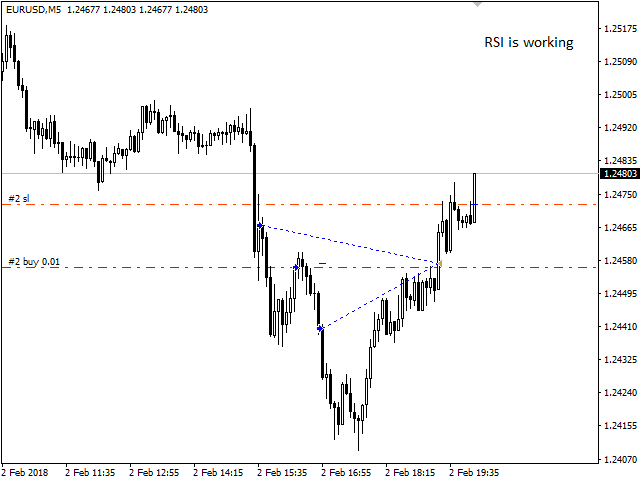
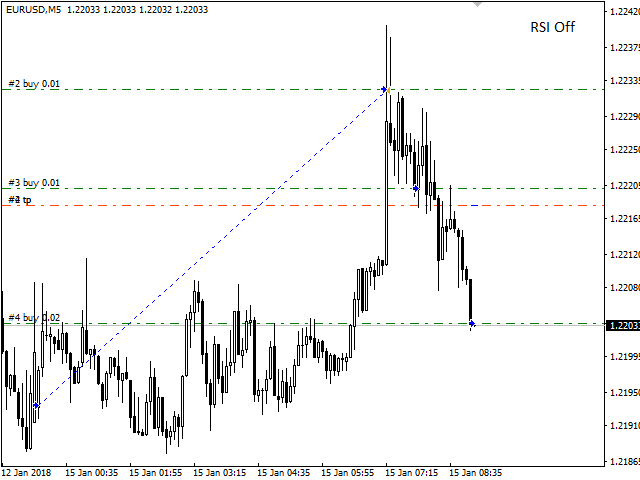
- RSI Signal - open orders using the RSI indicator
- RSI Period - period of calculation of the index indicator RSI
- RSI Shift - the size of the shift when the indicator reaches the overbought/oversold level
- Bilateral Trade Mode, 0-off - the amount (in the deposit currency) of the bilateral trade activation. The specified amount must be equal to or greater than the amount of funds on the balance sheet
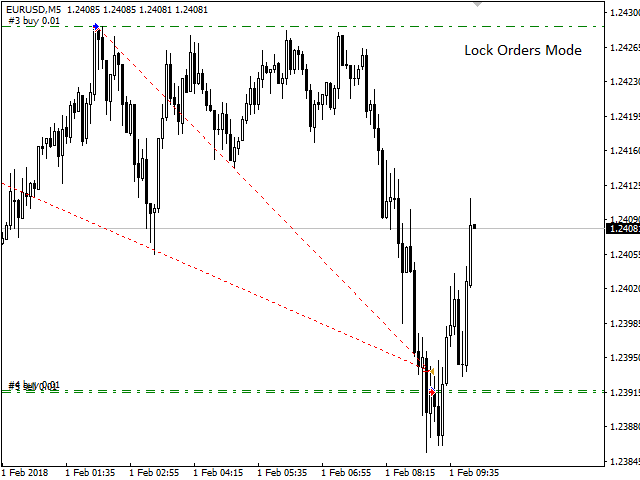
- Lock Orders Mode - on/off order lock mode (this mode does not work if bilateral trading is activated)
- Max Lock Orders - maximum number of orders to lock starting from the second order
- Grid Volatility Filter - on/off volatility analysis filter for grid
- Volatility (bar analysis) - number of analyzed candles for the Grid Volatility Filter
- Volatility Channel Level, pips - the maximum allowed width of the volatility channel for the volatility filter
- TakeProfit, pips – take profit in points
- Target profit, 0-off - the EA stops trading when the specified amount in the Deposit currency is reached. To resume trading (if the EA has closed all trades), it is enough to change the magic number to a unique one
- TrailStart, 0-off – the level of activation of the Trailing stop in points
- TrailDistance – minimum distance of a Trailing stop to the price
- OverlapOrder – on/off partial averaging, mode overlap of the unprofitable orders of the series, at the expense of profitable orders
- Overlap % profit – profit as a percentage of the deposit for an overlapped order
- Start OverlapOrder - order number from which the overlap of the unprofitable order will work
- StopLoss in DD%, 0-off – virtual stop loss level as a percentage of the Deposit drawdown level
- Slippage – maximum allowed slippage
- StopNewCycle – when the parameter is activated, the EA stops and gradually closes previously opened orders
- Magic – unique number of orders of the adviser
- ShowInfo – show statistical information in the terminal window
- StopOut e-mail notifications, 0-off – send an alert to e-mail when the dangerous stop out level is reached (mail must be configured and enabled in the terminal)
- Friday StopHour, 0-Off – stop the EA at the specified Friday hour
- December StopDay, 0-Off – stop operation of the expert Advisor on a specific day of Dec.
- January StartDay, 0-Off – day of the EA start in January
- Level0 GridStep, pips – minimum distance between the grid of orders
- Level0 Orders – maximum number of orders
- Level0 LotSize – lot volume for orders
Any modifications to the EA and updates are made at the discretion of the author
The input parameters contain the values in points for 4-digit quotes. Recalculation into 5-digit quotes occurs automatically.
联系方式
公司:顺水的鱼外汇EA
状态:离线 发送信件 在线交谈
姓名:顺水的鱼(先生)
职位:投机客
电话:18391752892
手机:18391752892
地区:默认地区
地址:西安市高新区软件园
邮件:3313198376@qq.com
QQ:3313198376
微信:18391752892
阿里旺旺:顺水的鱼waterfish
Skype:3313198376@qq.com
状态:离线 发送信件 在线交谈
姓名:顺水的鱼(先生)
职位:投机客
电话:18391752892
手机:18391752892
地区:默认地区
地址:西安市高新区软件园
邮件:3313198376@qq.com
QQ:3313198376
微信:18391752892
阿里旺旺:顺水的鱼waterfish
Skype:3313198376@qq.com