

Watermark Manager
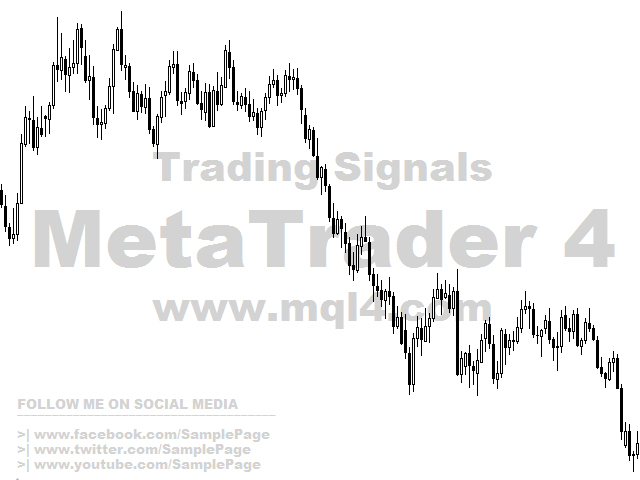
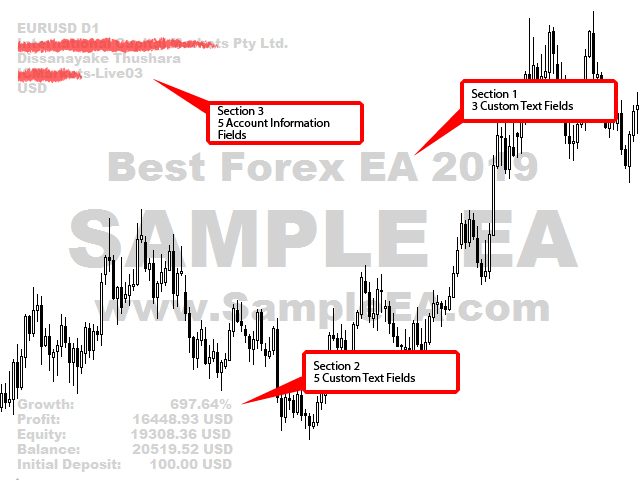
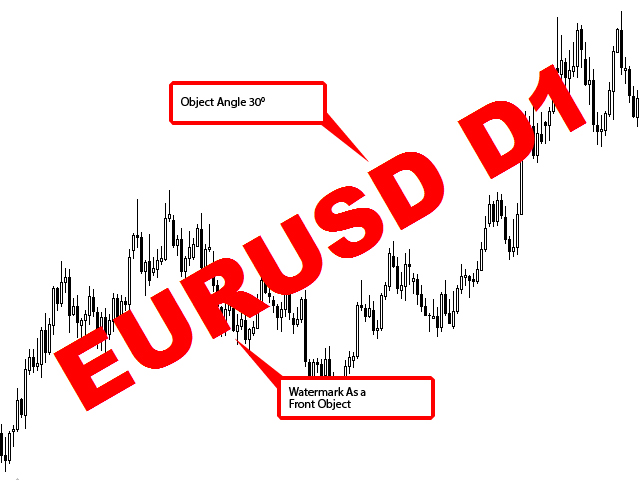
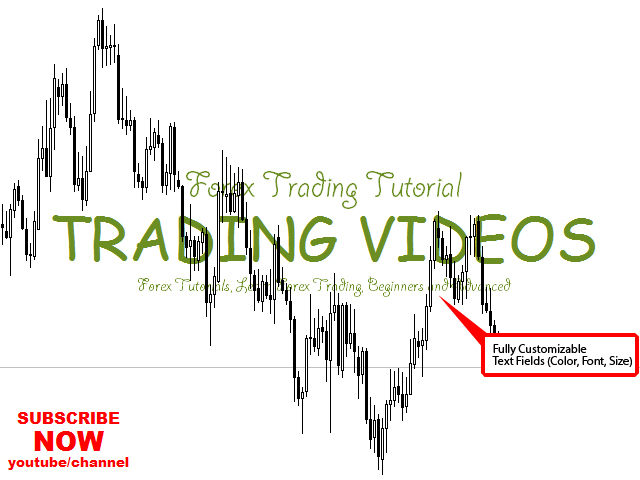
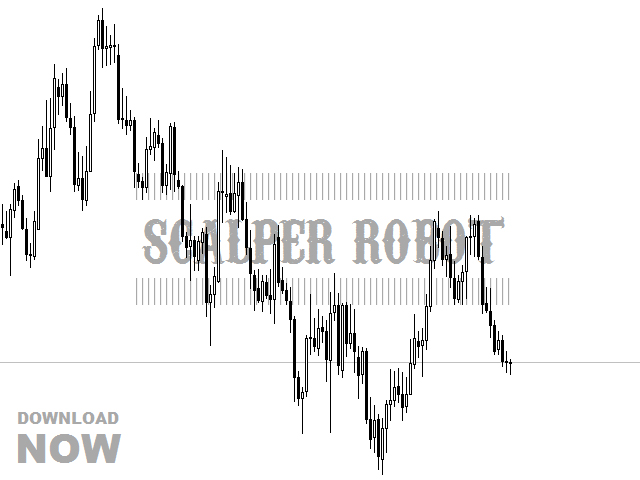
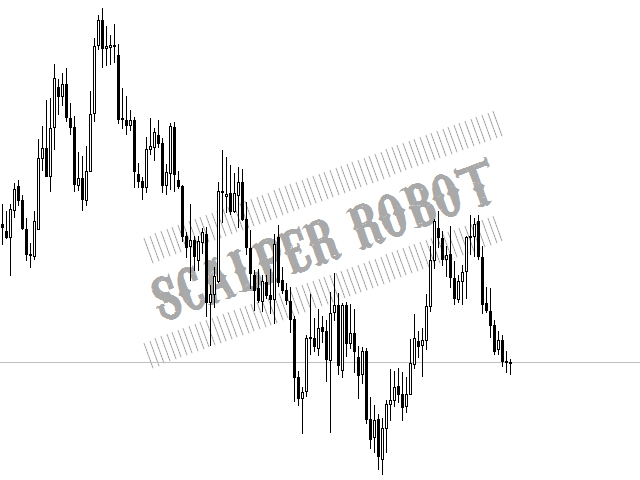
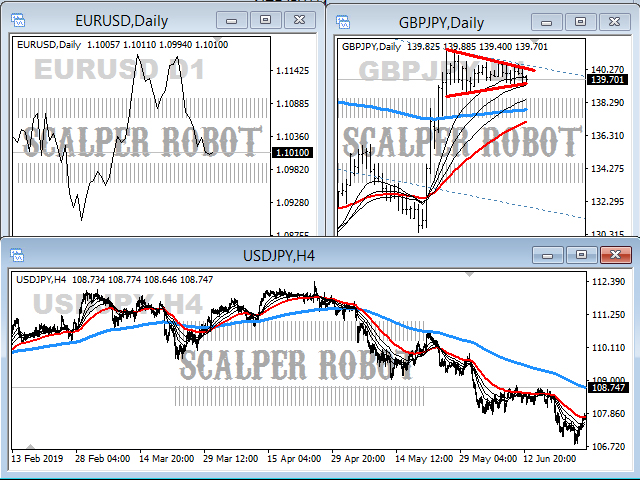
The Watermark Manager Utility is specially designed for draw multiple watermarks on your chart background. It gives you unique customization facility using 3 main watermark areas. That areas are include 8 custom text fields and 5 account information fields. Totally 13 watermark text fields. Because to easily and creatively draw your messages. On the other hand it draws watermarks on all opened charts (Multi chart). Actually, this utility is more useful for You-tubers, Signal providers, Screenshot up-loaders and Bloggers etc...
Features
- Multi chart (in one window) utility
- All watermark areas are fully customization facility (font, font size, color, corner, distance etc...)
- Two custom text areas and one account information display area
- Totally 13 watermark text fields
- Broker, Client, Server, Balance, Profit, Symbol, Time-fame, Symbol + Time-frame and more other information can display
- Easy parameters
Parameters
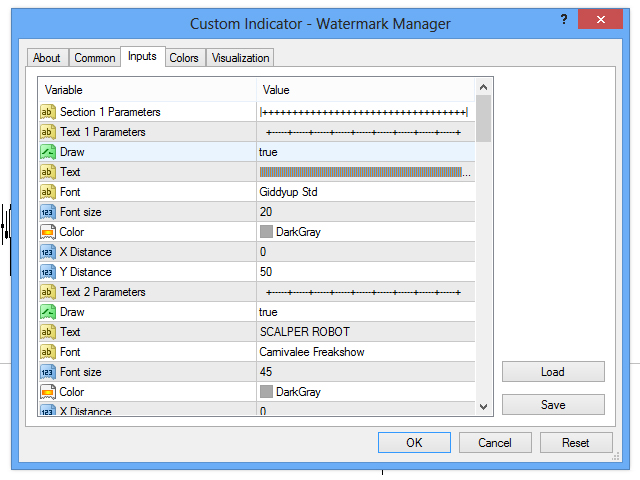
- Section 1 Parameters
- Text 1-3 Parameters
- Draw - Activate/ Deactivate custom text field
- Text - Custom message
- Font - Font
- Font Size - Font Size
- Color - Color
- X Distance - X coordinate for center to left/right
- Y Distance - Y coordinate for center to top/bottom
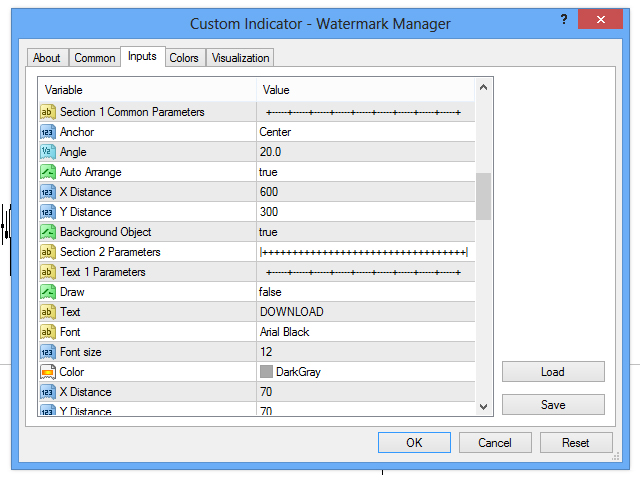
- Section 1 Common Parameters
- Anchor - Anchor type
- Angle - Text slope
- Auto Arrange - Move the text label
- X Distance - X coordinate when Auto Arrange false
- Y Distance - Y coordinate when Auto Arrange false
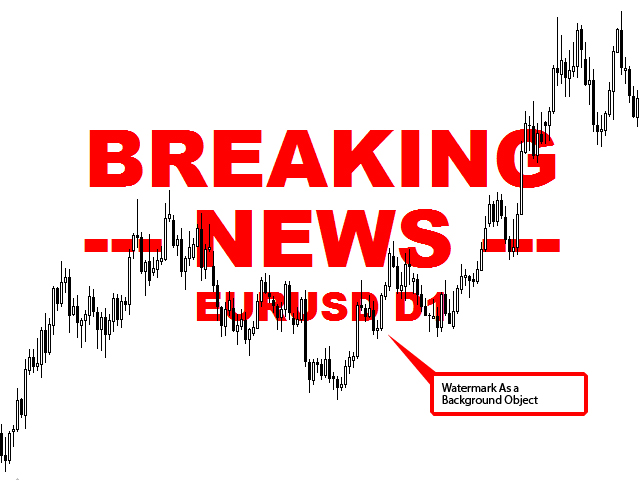
- Background Object - In the background
- Section 2 Parameters
- Text 1-5 Parameters
- Draw - Activate/ Deactivate custom text field
- Text - Custom message
- Font - Font
- Font Size - Font Size
- Color - Color
- X Distance - X coordinate for corner to left/right
- Y Distance - Y coordinate for corner to top/bottom
- Section 2 Common Parameters
- Corner - Chart corner for anchoring
- Anchor - Anchor type
- Angle - Text slope
- Background Object - In the background
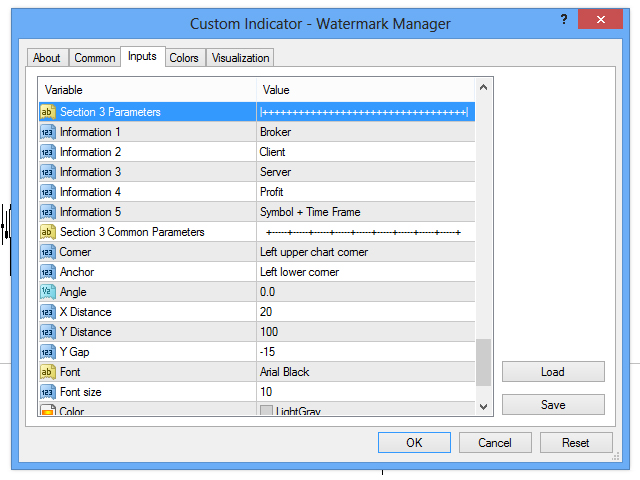
- Section 3 Parameters
- Information 1-5 - Account information inputs
- Section 3 Common Parameters
- Corner - Chart corner for anchoring
- Anchor - Anchor type
- Angle - Text slope
- X Distance - X coordinate for corner to left/right
- Y Distance - Y coordinate for corner to top/bottom
- Y Gap - Gap for text
- Font - Font
- Font Size - Font size
- Color - Color
- Background Object - In the background
- Common Parameters
- Multichart - Activate/ Deactivate multi chart drawing mode
Note: Don't Forgot To Add This Utility only For One Of Opened Chart Because It Is Multi Chart Utility. Few Same Meaning Parameter Descriptions Are Not Repeated. New Ideas Are Welcome!
 nload="if(window.viewGallery_GalleryManager) viewGallery_GalleryManager.ImageonLoad(this,7);" />
 nload="if(window.viewGallery_GalleryManager) viewGallery_GalleryManager.ImageonLoad(this,8);" />
 nload="if(window.viewGallery_GalleryManager) viewGallery_GalleryManager.ImageonLoad(this,9);" />
 nload="if(window.viewGallery_GalleryManager) viewGallery_GalleryManager.ImageonLoad(this,10);" />
 nload="if(window.viewGallery_GalleryManager) viewGallery_GalleryManager.ImageonLoad(this,11);" />
联系方式
公司:顺水的鱼外汇EA
状态:离线 发送信件 在线交谈
姓名:顺水的鱼(先生)
职位:投机客
电话:18391752892
手机:18391752892
地区:默认地区
地址:西安市高新区软件园
邮件:3313198376@qq.com
QQ:3313198376
微信:18391752892
阿里旺旺:顺水的鱼waterfish
Skype:3313198376@qq.com
状态:离线 发送信件 在线交谈
姓名:顺水的鱼(先生)
职位:投机客
电话:18391752892
手机:18391752892
地区:默认地区
地址:西安市高新区软件园
邮件:3313198376@qq.com
QQ:3313198376
微信:18391752892
阿里旺旺:顺水的鱼waterfish
Skype:3313198376@qq.com