


GraphShot Free
GraphShot Free is a free program for taking chart screenshots directly in metaTrader 4 without running third-party software.
This program is especially useful if you want to take a large number of screenshots when preparing analytical forecasts or error reports concerning trading robot, indicator or script operation.
Launch GraphShot Free on the required chart and take screenshots with one click!
User Interface
The program interface consists of several windows:
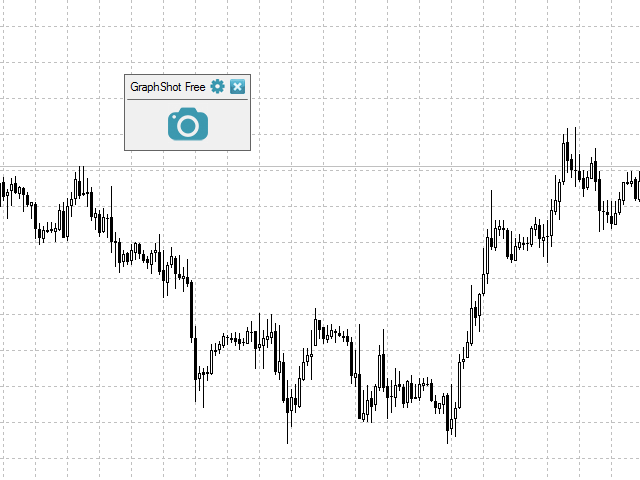
1. Main window. There are three buttons here:
- Button for taking screenshots (camera-shaped button in the middle of the window) takes a screenshot of the current chart window.
- Settings (gear-shaped button) shows the settings window.
- X button (in the upper right corner) closes the program.
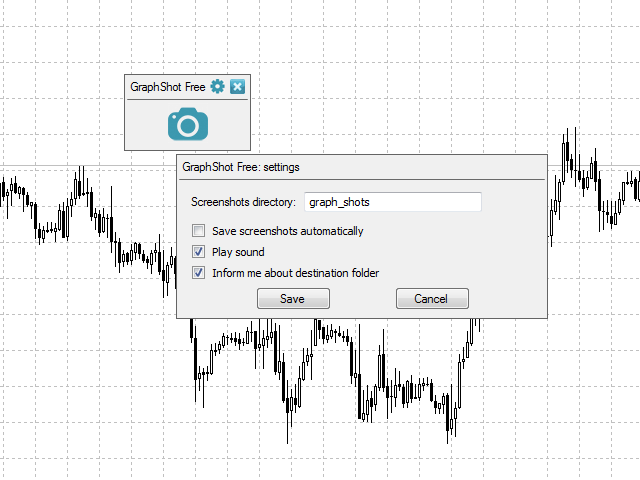
2. Settings window:
- Screenshots directory - directory the screenshots are saved to. The directory is located in <terminal data folder>/MQL4/Files.
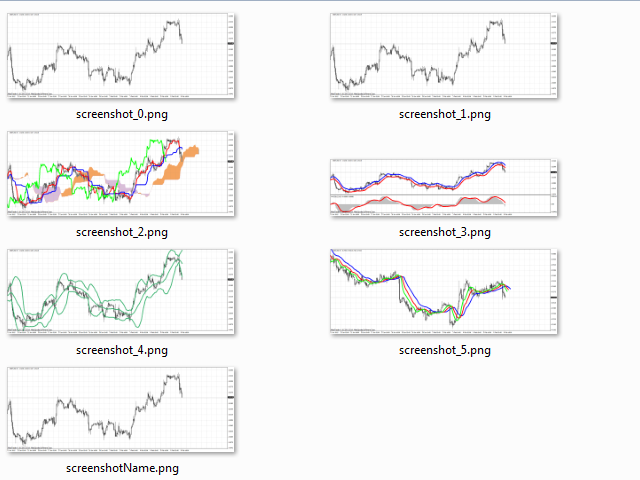
- Save screenshots automatically option - if enabled, screenshots are automatically saved to the mentioned directory under the names screenshot_0.png, screenshot_1.png, screenshot_2.png, etc. If disabled, a user is prompted to enter the file name before saving.
- Play sound option - if enabled, a sound is played when taking a screenshot.
- Information about saved files path option - if enabled, a window with the entire saving path is displayed after a screenshot is taken.
- Save - save the specified settings.
- Cancel - close the settings window without saving.
3. The window for entering a screenshot file name:
- Filename enter field - screenshot file name is specified here.
- Save - save a screenshot under a specified name.
- Cancel - close the window without saving a file.
The window is displayed only if Save screenshots automatically option is disabled in the settings window.
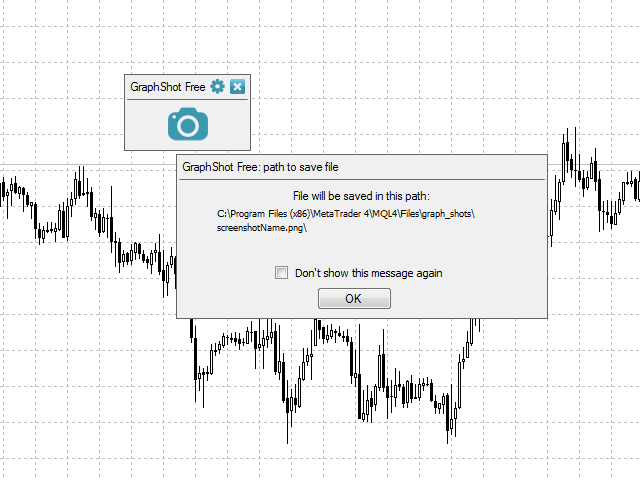
4. File path window:
- Don't show this message again option - if enabled, the window is not displayed. The effect is similar to disabling Information about saved files path option in the settings window.
- OK - close the file path window.
The window appears after saving a screenshot if Information about saved files path option is enabled in the settings window.
All application windows can be freely dragged to any place in the chart window.
Attention! The product is not designed for working in the strategy tester.

状态:离线 发送信件 在线交谈
姓名:顺水的鱼(先生)
职位:投机客
电话:18391752892
手机:18391752892
地区:默认地区
地址:西安市高新区软件园
邮件:3313198376@qq.com
QQ:3313198376
微信:18391752892
阿里旺旺:顺水的鱼waterfish
Skype:3313198376@qq.com