


Harmonica
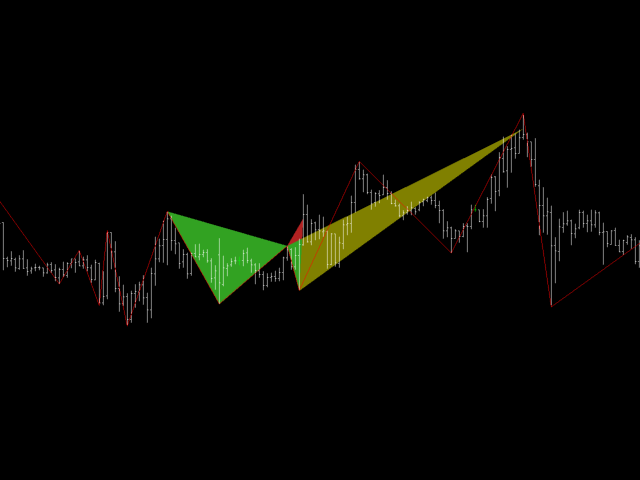
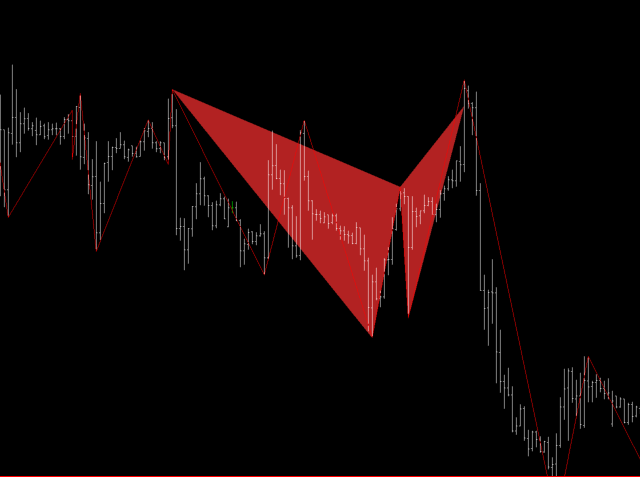
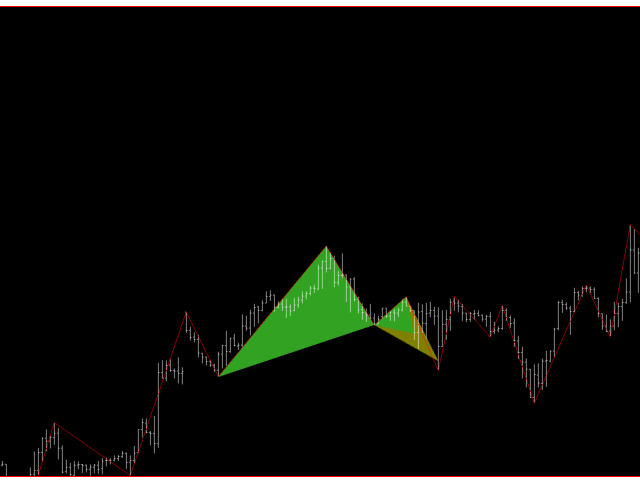
Harmonica is a XABCD chart pattern recognition Expert Advisor. The expert recognition of patterns helps traders to quantify and react to the changing market environment. This Expert Advisor will help in scanning the chart and spot developing XABCD patterns and trade them, it has the potential to scan multiple time frames and trade multiple timeframes as well. The genius behind this unique and one of a kind EA is that you can define you own XABCD pattern ratios.
A quick guide to the EA parameters:
Chart Detail Mode: Three options are available (Simple, Intermediate and Advanced) and they are used as follows:
- Simple: This is a simple mode, the EA will only work with the existing and current chart Time frame
- Intermediate: This option is not used, selecting this option is the same as Advanced (why is it there? - I have libraries of reusable code and various EA that use this option)
- Advanced: Advanced is preferred as it not only work with the current chart period but all the Timeframes/Periods higher than the current Period are used, if you attach it to a M1 Time frame and select, then it effectively means the EA will work on all the available time frames for that symbol.
Depth: The primary algorithm that the EA uses to calculate ratios is along the lines of a Zig Zag indicator, swing High swing Low, depth is the minimum number of bars to the left of each High or Low that are required to consider it a valid swing high/low. (Require more explanation? - get in touch). The lower the number the higher the number of Highs/Lows and the more tight your Zig Zag and your ratio points, the higher the number more reliable and less trades... choose wisely, if you do find a sweet number please share. Each Time frame has its own depth value, this value is used as a global value.
Logging Level: The EA spits a lots of logs, it can give you an indication of whats going on under the hood. I dont recommend None, Trace or Debug, unless something is terribly wrong and you want to submit some logs for analysis please stick to Warn, Error and Critical. Info level is ok too.
The following parameters are repeated for each Time frame, keep in mind that if the chart mode is Simple only the Chart current time frame is used and all other Time frames are ignored. If the Chart Mode is anything other THAN simple and the current chart time frame and all other higher time frames are included as well.
| Parameter | Type | Description |
|---|---|---|
| Enabled | Boolean | Enable or disable the Time frame, this value is used only if the Time frame has the potential to be included (i.e. current time frame or is higher than the current time frame and the chart mode is not Simple) |
| Time frame | Time frames | No need for an explanation here, just make sure you have a unique Time frame for each (taken care of by default) |
| Depth | Integer | To override the global default (you might want to have a higher value for lower time frames and a smaller values for higher time frames) |
| Maximum Bars | Integer | This value is very important, if you have 500 000 bars on the chart, tell the EA to process on the number of bars specified by this value, the EA will take the minimum of (Maximum Bars or Available Chart Bars) Avoid processing all the chart bars if you can, default value provided is a good number. To process all the chart bars simply set this value to 0 |
| Level Digits | Enumeration | Lots of ratio calculations go on here, sometime it is necessary to work with just PIPS and Sometimes PIPETTES (fractional digits) choose your value carefully. |
To be continued in the comments sections: (I am horrified that I there is a limit to the number of characters here)

状态:离线 发送信件 在线交谈
姓名:顺水的鱼(先生)
职位:投机客
电话:18391752892
手机:18391752892
地区:默认地区
地址:西安市高新区软件园
邮件:3313198376@qq.com
QQ:3313198376
微信:18391752892
阿里旺旺:顺水的鱼waterfish
Skype:3313198376@qq.com