

Trade Designer
Description
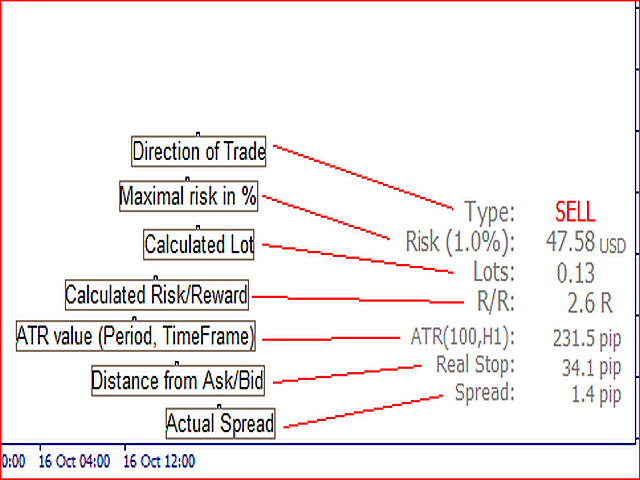
Trade Designer is an indicator that calculates the number of lots you have to trade if you want to risk a set percentage of your account per entry. It comes along with a free script that can be downloaded here https://www.mql5.com/en/market/product/6540.
Two or three price lines will appear on your chart. The green one represents the price to place the Take Profit, the red one represents the price to place the Stop Loss and the blue one represents the point where you want to enter the trade (if you use pending option).
You can modify the lines by double-clicking on them and dragging them to the price you want to set.
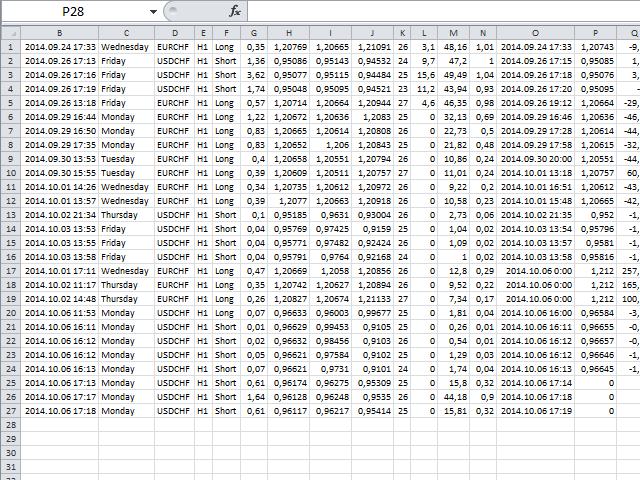
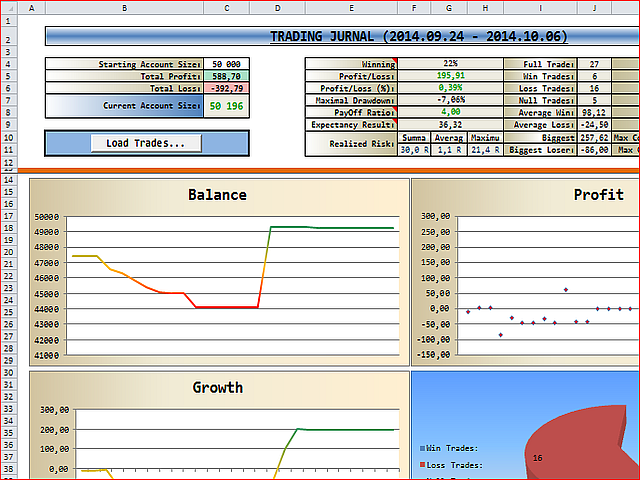
When you use the Trade Designer script and open a position, the indicator creates a .csv file (ticket_open.csv) and creates a print screen file (ticket_open.gif) which will be placed in the <Data folder>MQL4FilesTradingJournal<Account number><Ticket number>, for example:
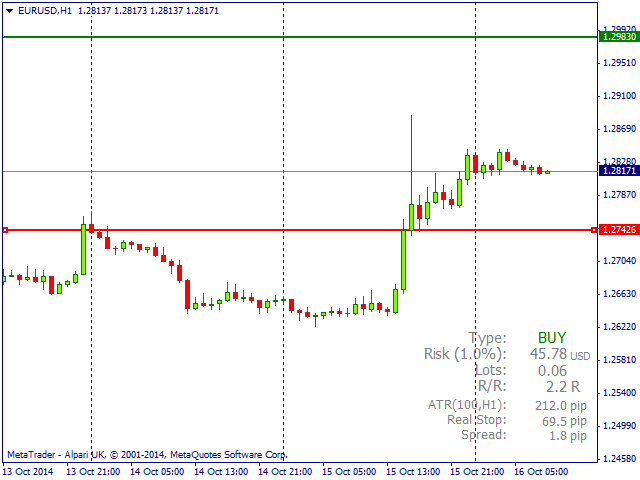
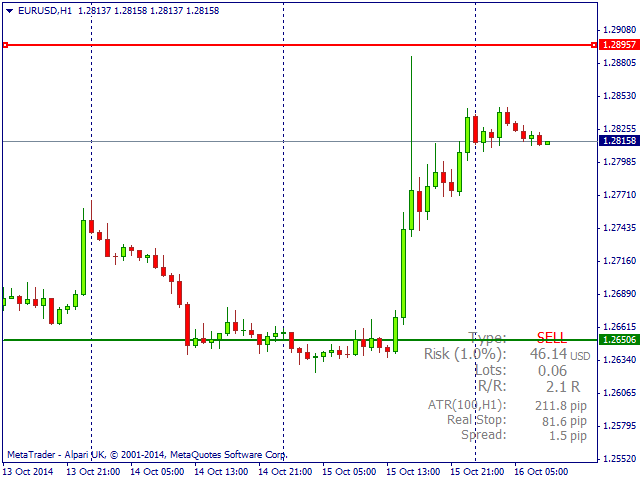
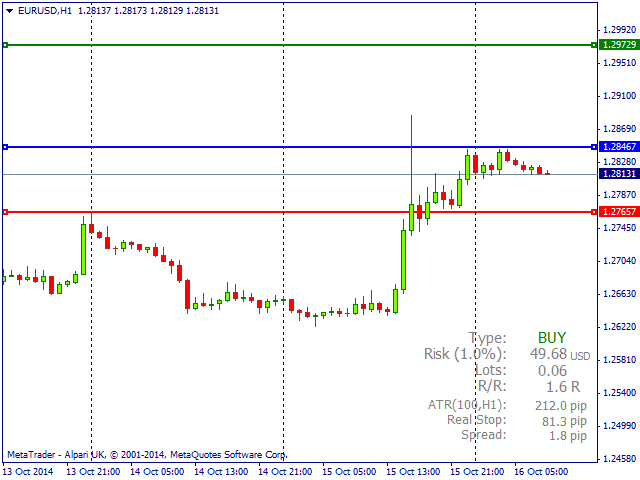


 nload="if(window.viewGallery_GalleryManager) viewGallery_GalleryManager.ImageonLoad(this,7);" />
 nload="if(window.viewGallery_GalleryManager) viewGallery_GalleryManager.ImageonLoad(this,8);" />
状态:离线 发送信件 在线交谈
姓名:顺水的鱼(先生)
职位:投机客
电话:18391752892
手机:18391752892
地区:默认地区
地址:西安市高新区软件园
邮件:3313198376@qq.com
QQ:3313198376
微信:18391752892
阿里旺旺:顺水的鱼waterfish
Skype:3313198376@qq.com