


ACh Terminal panel
This info panel is designed to help in manual trading in case your trading strategy provides opening several orders. It also simplifies EAs' operation visualization.
The product is useful when testing grid strategies on a demo account.
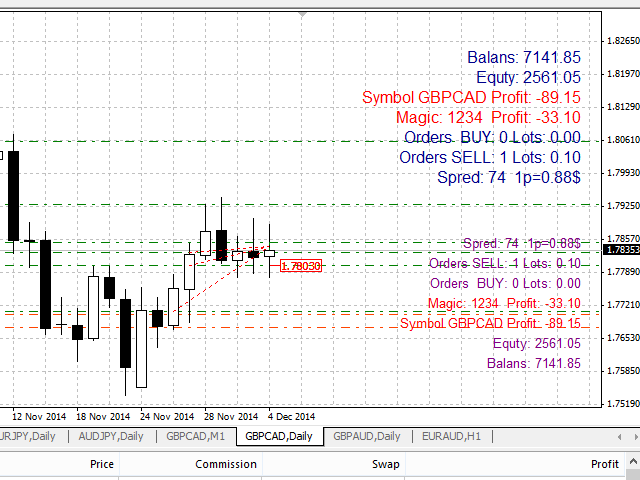
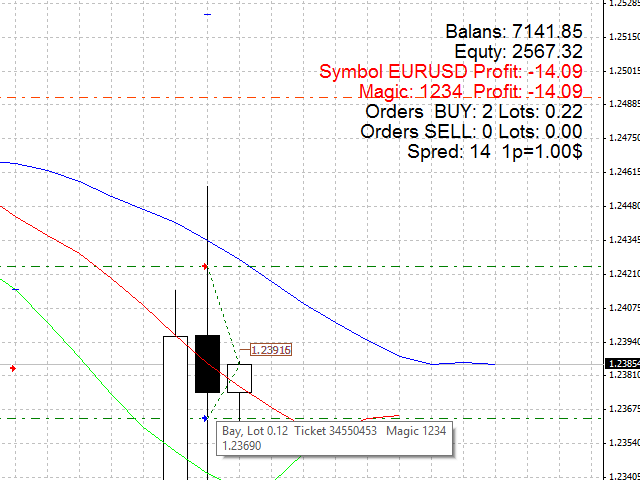
The data on the number of open orders, lots' total size, total profit and profit by the selected magic number, spread, one point price, total balance and free margin is displayed at one of the corners selected in the settings.
The state of orders since their opening and up to the current time is displayed by lines. The data on order type, lot, ticket and magic number is displayed in a pop-up window when hovering the cursor over the order line.
Price labels are used to display breakeven levels for Buy and Sell, as well as the total breakeven in case the volume of purchased lots is overbalanced to one of the sides.
Label and text color can be changed in the settings.
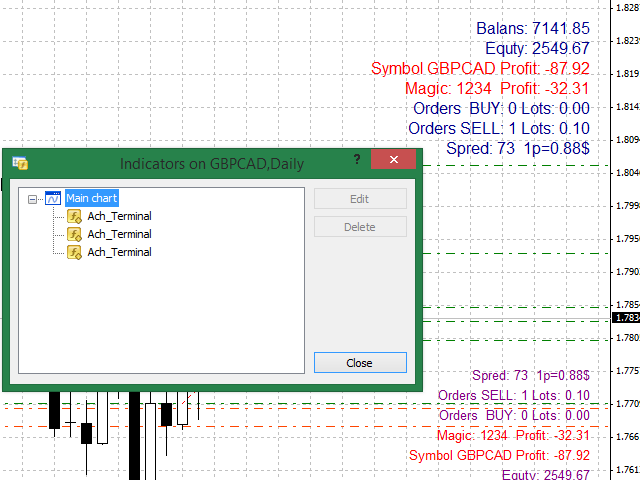
Up to four copies of the info panel can be displayed. Each copy should have its own corner. This option can be useful in case you trade manually and use Expert Advisors simultaneously.
In order to track different orders, each info panel should have its own Magic. For manual orders, Magic=0. In order to display data on all Magic, set Magic=-1.
Good luck!

状态:离线 发送信件 在线交谈
姓名:顺水的鱼(先生)
职位:投机客
电话:18391752892
手机:18391752892
地区:默认地区
地址:西安市高新区软件园
邮件:3313198376@qq.com
QQ:3313198376
微信:18391752892
阿里旺旺:顺水的鱼waterfish
Skype:3313198376@qq.com