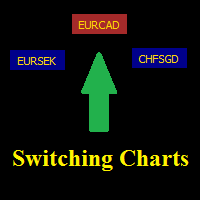
Switching Charts
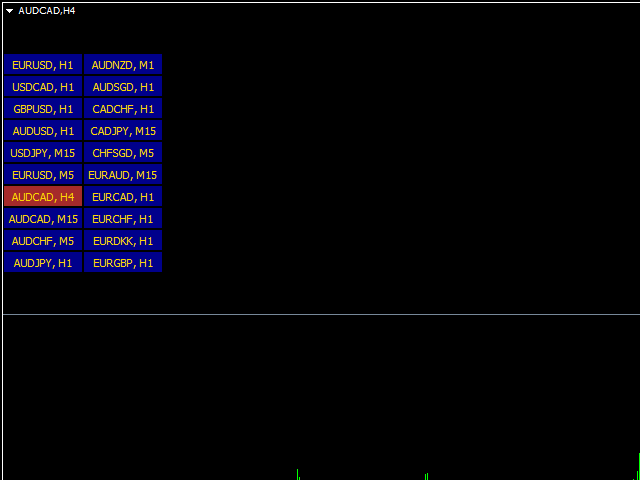
The panel can be useful to those who use a large number of tools for working.
Settings allow to align the buttons in the right place and with the right amount of buttons in the columns.
Charts can be switched alternately, using the keyboard buttons (by default - the two buttons next to the right 'Shift').
The standard panel can be hidden in the 'View' menu.
The indicator parameters
- Horizontal position in pixels - Distance from the left edge in pixels.
- Vertical position in pixels - Distance from the upper edge in pixels.
- The number in the column - The number of buttons in the column.
- Period show - Indication of the chart period.
-
Code the back button - Code of the button for opening the precious chart.
 联系方式公司:顺水的鱼外汇EA
状态:离线 发送信件 在线交谈
姓名:顺水的鱼(先生)
职位:投机客
电话:18391752892
手机:18391752892
地区:默认地区
地址:西安市高新区软件园
邮件:3313198376@qq.com
QQ:3313198376
微信:18391752892
阿里旺旺:顺水的鱼waterfish
Skype:3313198376@qq.com