

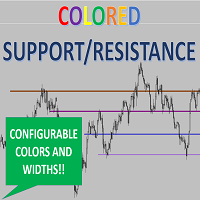
Colored Support and Resistance Lines Easy
Draw horizontal lines the easy way! Save time and effort! It doesn't matter whether you want it blue or yellow or whatever color you choose, just configure the indicator and that's it! You will have any line to use it as support or resistance.
Input parameters:
I have defined the following keys for drawing the lines:
- M => as it was the "Monthly" line
- W => as it was the "Weekly" line
- D => as it was the "Daily" line
- H => as it was the "Hourly" line
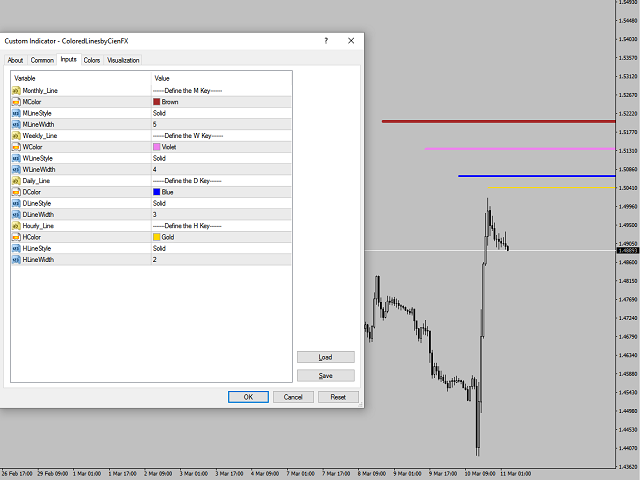
For each line you want you can define color, style and width (please see attached image), for example, let's say you want to have a color brown dotted-style and width = 2 line defined for the "W" key, then you would need to configure the following inputs:
- WColor --> Brown
- WLineStyle --> Dot
- WLineWidth --> 2
And that's it! Do the same for each Key and configure up to 4 different line styles, close the input parameters window and you just need to hit those keys on your keyboard to start placing an horizontal line with the pre-defined attributes.
状态:离线 发送信件 在线交谈
姓名:顺水的鱼(先生)
职位:投机客
电话:18391752892
手机:18391752892
地区:默认地区
地址:西安市高新区软件园
邮件:3313198376@qq.com
QQ:3313198376
微信:18391752892
阿里旺旺:顺水的鱼waterfish
Skype:3313198376@qq.com