

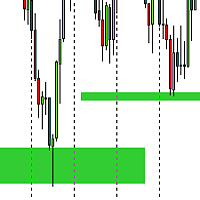
Support and Resistance ZONE Draw
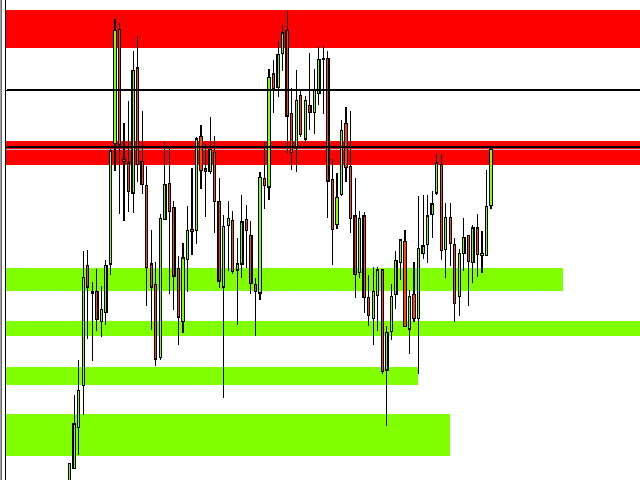
This indicator helps to draw support and resistance zones. Simply point your mouse to the level where you want to draw a zone and press button you have chosen from the settings. If you press 1, it means that you want to draw line for strong support and resistance. If you press 2, it means that you want to draw line for normal support and resistance. If you press 3, it means that you want to draw line for weak support and resistance.
Settings also allow to set up drawing SUPPORT and RESISTANCE ZONES! You just define interval in pips in the settings and draw in same way like a SR lines.
You can set your buttons to draw!
Parameters
- DrawSupportKey - select a key for drawing a support zone (default: S)
- DrawResistanceKey - select a key for drawing a resistance zone (default: R)
- InBackground - draw all rectangles (SR zones) in the background (true/false)
- SupportZoneColor - select a color for a support zone (rectangle)
- ResistanceZoneColor - select a color for a resistance zone (rectangle)
联系方式
公司:顺水的鱼外汇EA
状态:离线 发送信件 在线交谈
姓名:顺水的鱼(先生)
职位:投机客
电话:18391752892
手机:18391752892
地区:默认地区
地址:西安市高新区软件园
邮件:3313198376@qq.com
QQ:3313198376
微信:18391752892
阿里旺旺:顺水的鱼waterfish
Skype:3313198376@qq.com
状态:离线 发送信件 在线交谈
姓名:顺水的鱼(先生)
职位:投机客
电话:18391752892
手机:18391752892
地区:默认地区
地址:西安市高新区软件园
邮件:3313198376@qq.com
QQ:3313198376
微信:18391752892
阿里旺旺:顺水的鱼waterfish
Skype:3313198376@qq.com