


Pulser
Professional OB/OS Oscillator
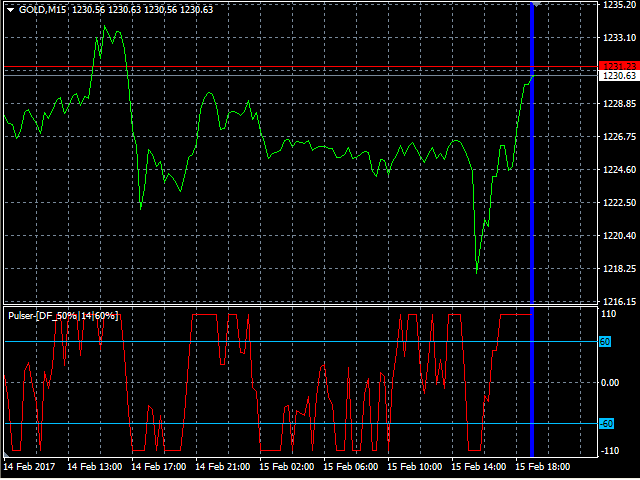
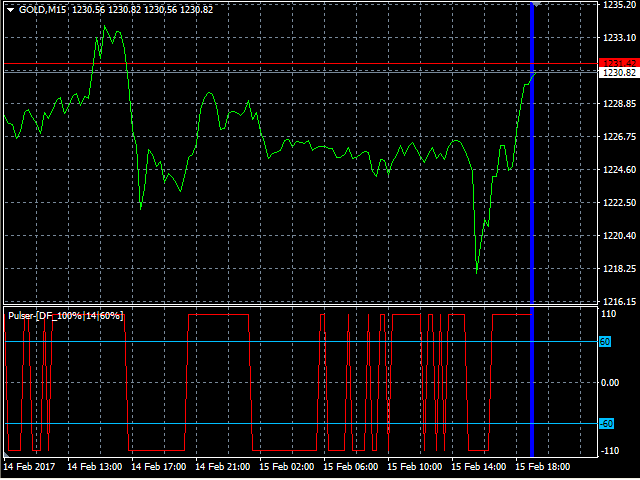
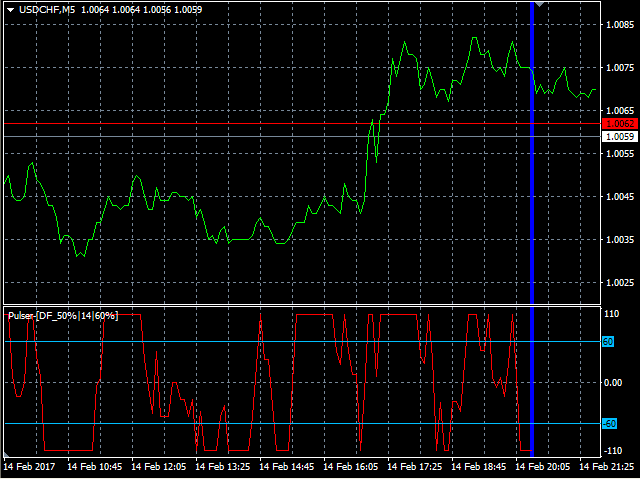
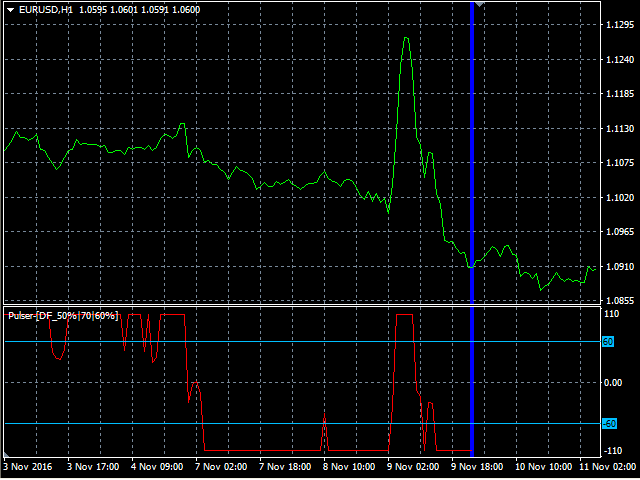
Is the digital momentum indicator, based on our ob/os formula and algorithm of digital output signal.
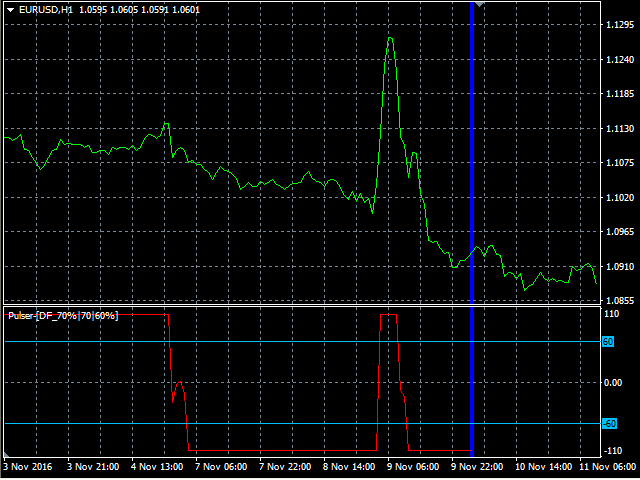
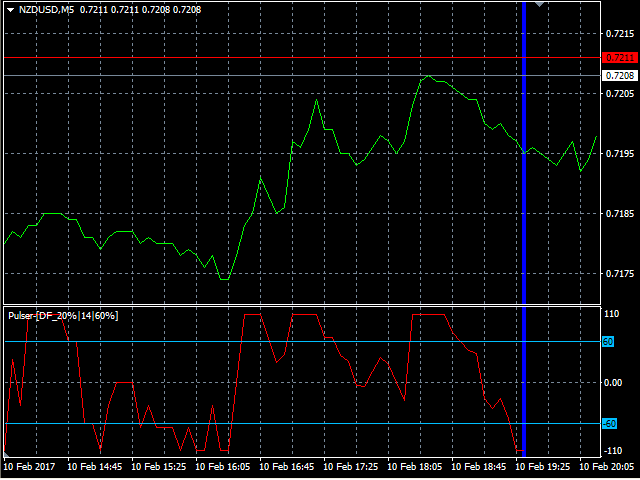
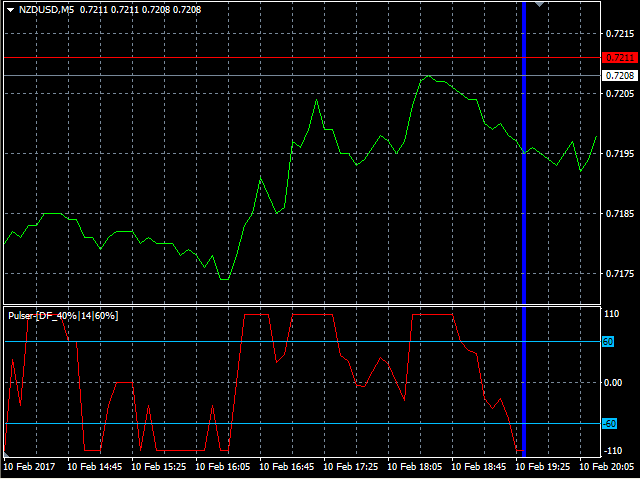
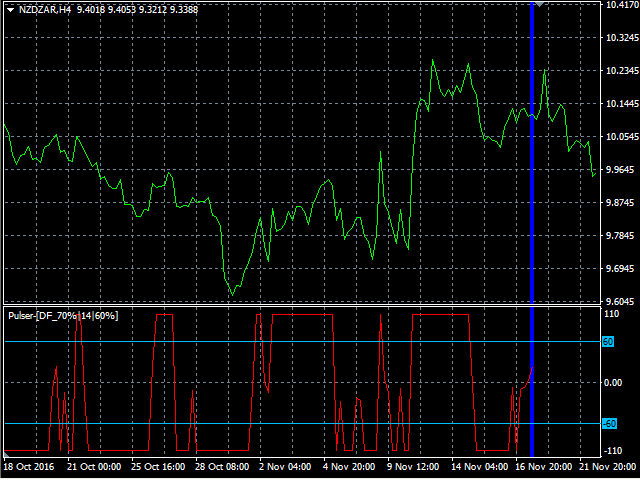
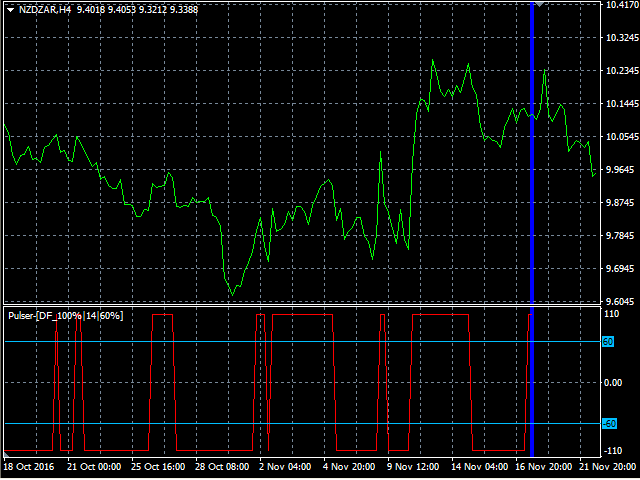
It shows you when price goes on OverBought/OverSold position and also OverBought/OverSold of Trend.
In the middle is an adjustable "Stop_level". Above and below this area you should not trade.
Precise; above Stop_level - stop going long, below Stop_level - stop going short.
Min/Max indicator values are +-100%, but the scale is +-110% just for “easy look”.
This indicator is very useful in the search for expanded OB/OS criteria and also achieved good results in “Strong Price Movements” trading strategies.
You can run many instances, for all time frames at once, is fast and has, like all our indicators, a built-in "slider history testing" technology and "Error control".
Program is design to operate in 2 automatic modes:
1. Slider mode
Turns on when attaching the indicator to the Chart or Visual Tester.
Here you can test/set your settings back in history with “slider” up to 32767 bars.
So, while Visual Testing EA, you can attach the indicator and easily adjust input parameters for critical points.
On Tester (only) you can exit "Slider mode" by pressing the <Esc> key.
You can easily switch between time frames on the selected position and compare the results.
2. Expert mode
Turns on when starting the indicator with "iCustom" function.
It is designed only for EA use and “slider history testing” is disabled.
It is tested and works very well in our EA "PointerX".
Please watch “testing” in HD … https://youtu.be/pBQFQ62zjis
We recommend to run 1-2 instances of indicator on different timeframes simultaneously for better results (M15, H1) and optimization criteria every two months.
Pulser input parameters settings
The order from left to right is: name, [default value], min-max value.
If you accidentally enter a lower or higher value, the min-max value is used.
- Digital_filter% [NONE] – digital filter in %
- Step [14] 1-250 – indicator step in bars
- Stop_level% [60] 0-90 – adjustable stop level in %
- LastBar [0] 0-6000 – last bar for drawing (left-right descending order, 0 is the last ("Expert mode" use)
- PastBars [200] 100-6000 – bars drawing to the past (to the left)
For programmers
You can include in EA-s:
enum d_filter
{
   NONE     =0,
   DF_10    =10,
   DF_20    =20,
   DF_30    =30,
   DF_40    =40,
   DF_50    =50,
   DF_60    =60,
   DF_70    =70,
   DF_80    =80,
   DF_90    =90,
   DF_100   =100,
};
The known command to retrieve current value is for MQL4:


 nload="if(window.viewGallery_GalleryManager) viewGallery_GalleryManager.ImageonLoad(this,7);" />
 nload="if(window.viewGallery_GalleryManager) viewGallery_GalleryManager.ImageonLoad(this,8);" />
 nload="if(window.viewGallery_GalleryManager) viewGallery_GalleryManager.ImageonLoad(this,9);" />
 nload="if(window.viewGallery_GalleryManager) viewGallery_GalleryManager.ImageonLoad(this,10);" />
 nload="if(window.viewGallery_GalleryManager) viewGallery_GalleryManager.ImageonLoad(this,11);" />
状态:离线 发送信件 在线交谈
姓名:顺水的鱼(先生)
职位:投机客
电话:18391752892
手机:18391752892
地区:默认地区
地址:西安市高新区软件园
邮件:3313198376@qq.com
QQ:3313198376
微信:18391752892
阿里旺旺:顺水的鱼waterfish
Skype:3313198376@qq.com