

FastMoveDemo
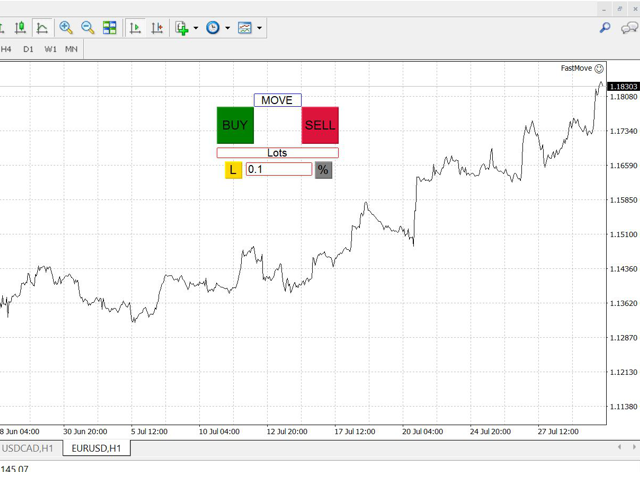
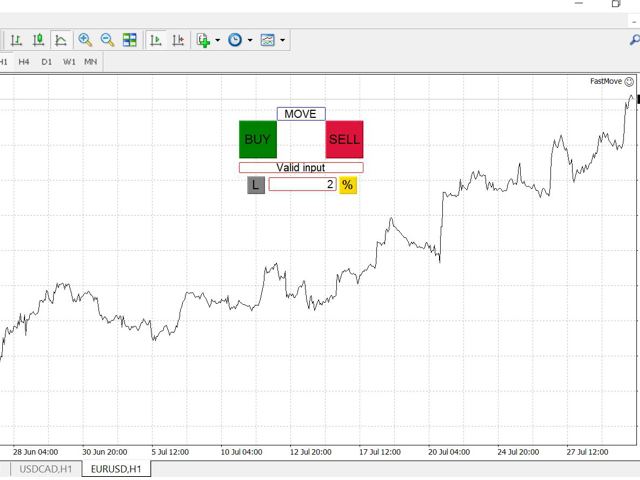
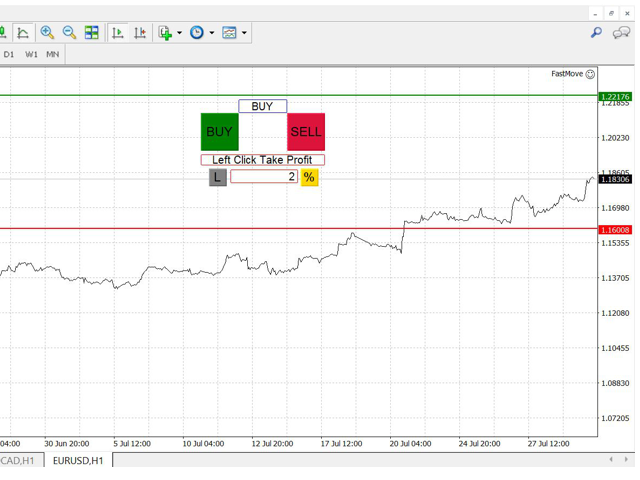
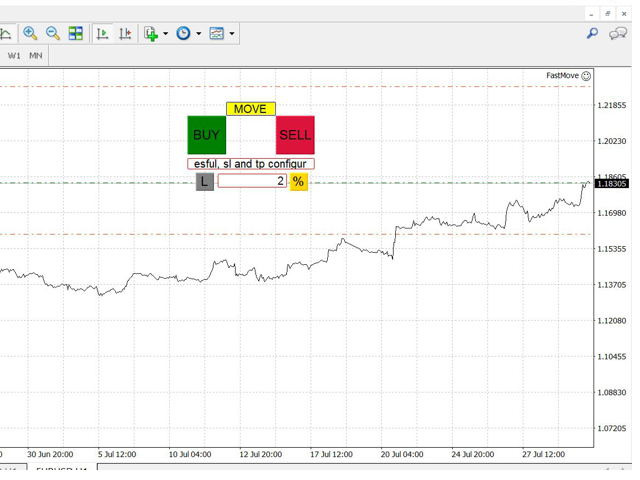
FastMove is a panel with 5 buttons, a notification area and a text entry. Its goal is to enable quick and simple execution.
Buttons:
- MOVE - Move the interface
- BUY - Start of buy process
- SELL - Start of sell process
- L - Select quantity of lots
- % - Select quantity of percent of balance
Areas:
- Notifications - This area displays notifications of the various states of the program and the commands sent.
- Text input - Here you enter the number of lots or the percentage of risk capital depending on the option selected. (blocked in 0.01 lot or 1% in demo version)
Entry selection:
You can choose between two modes of entry to the market:
- L - Select this option to configure a fixed lot value with a single left mouse click. only available in paid version
- % - Select this option to set a dynamic lot value according to your stop loss. only available in paid version
Process:
The process starts with a click of the left mouse button on one of the two operations buttons (BUY or SELL).
It has 3 stages, the first 2 are executed by the user, the third automatically by the program. Successful execution of each stage starts the next, if the execution is not successful the program is in the current stage.
To return to the previous stage the user must press the 'ESC' key. If it is in stage 2 it will return to stage 1 and if it is in stage 1 the process will be canceled.
Execution diagram:
BUTTON -> click -> STAGE 1 -> click -> STAGE 2 -> click -> EXECUTION
STAGE 2 -> 'ESC' -> STAGE 1 -> 'ESC' -> CANCELLATION
- In the execution stage you can not return to the previous stage or cancel.
Stages:
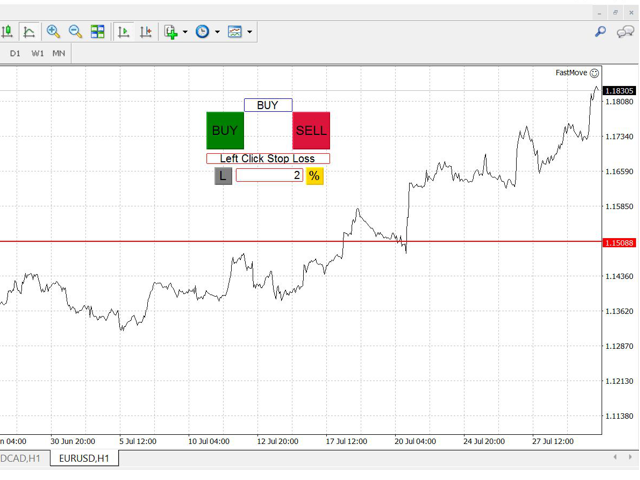
- STAGE 1: In this stage the program generates a horizontal red line that the user can move only below the current price or above the current price depending on the button pressed (BUY or SELL). This line is to configure the price of the order's StopLoss. It is defined by a click of the left mouse button.
- STAGE 2: In this stage the program generates a green horizontal line that the user can move only above the current price or below the current price depending on the button pressed (BUY or SELL). This line is to configure the price of the order's TakeProfit. It is defined by a click of the left mouse button.
- STAGE 3 (EXECUTION): At this stage the program executes an internal process to send the order to the market. First it sends a market order with the current price and then modifies the stop loss and take profit levels of that order. This is done because some brokers do not support sending the order with the Stop and Profit levels included.
Input parameters
- Lots - Value of lots with which you want to enter the market. (Not available in demo version)
- Percent Risk - Percentage balance risk with which you want to enter the market. (Not available in demo version)
- Slippagge - Deviation of the price in points. (Not available in demo version)
- Playsounds - Enable or disable playback of program sounds.
- Stopdistance - Minimum distance in points from the current price to Stop Loss. (Not available in demo version)
Keyboard inputs
- 'ESC' - Cancels the operation or return to the previous stage.
- 'F' - Lock or unlock interface to prevent accidental executions.
状态:离线 发送信件 在线交谈
姓名:顺水的鱼(先生)
职位:投机客
电话:18391752892
手机:18391752892
地区:默认地区
地址:西安市高新区软件园
邮件:3313198376@qq.com
QQ:3313198376
微信:18391752892
阿里旺旺:顺水的鱼waterfish
Skype:3313198376@qq.com