


Currency Quote
Real-time trend, pricing, and volume details in the corner of the current chart.
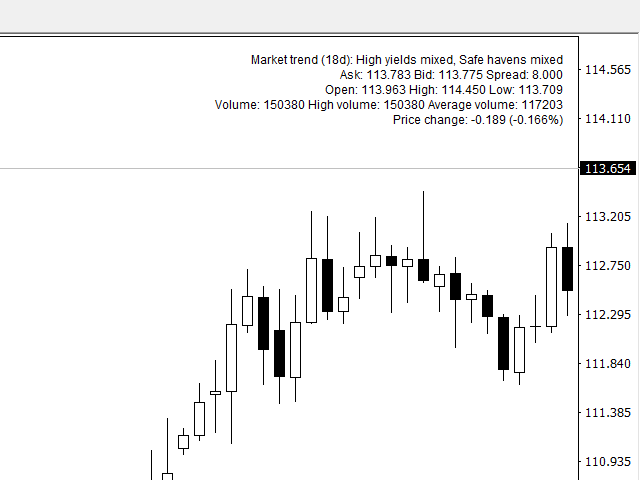
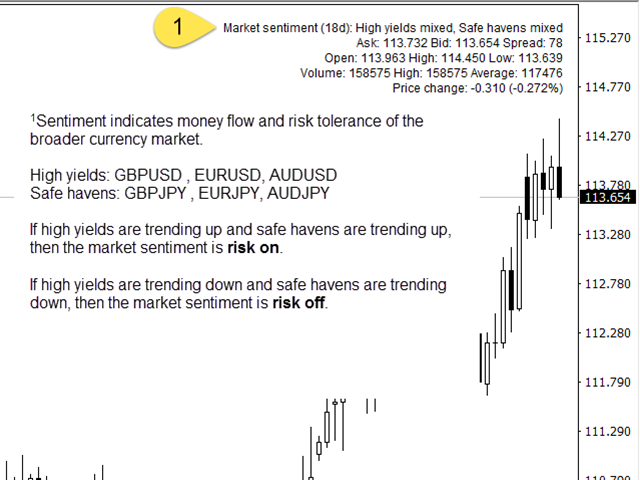
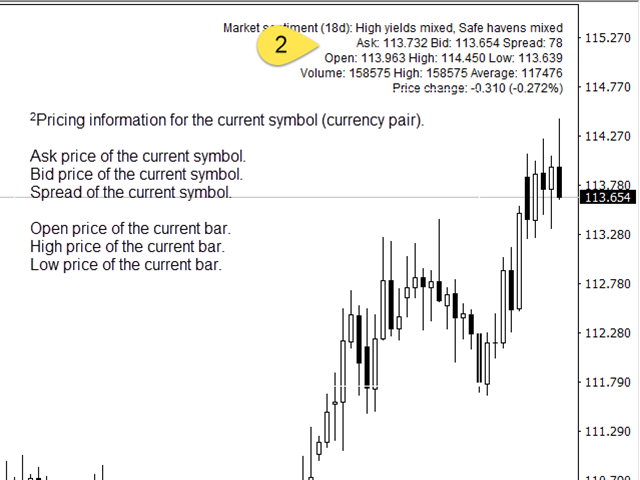
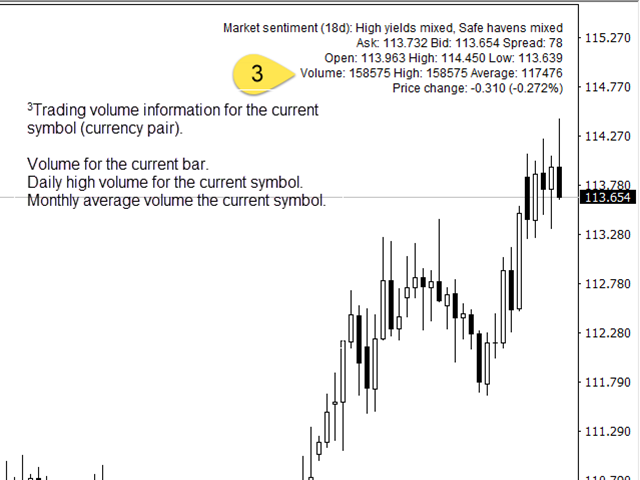
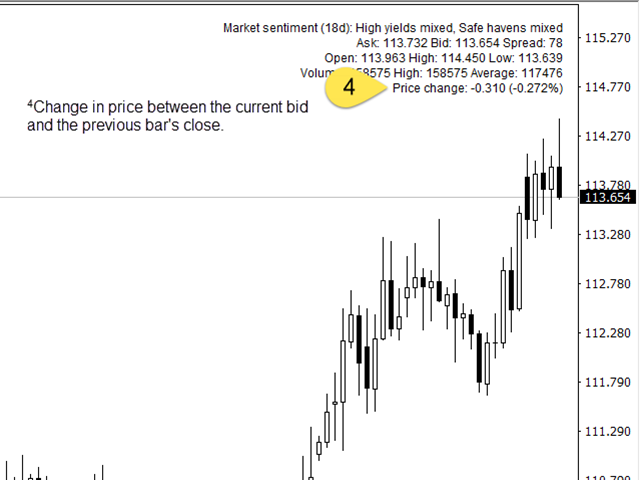
This indicator displays useful trend, pricing, and volume information in the corner of the current chart. With this indicator, you get real-time market trend, pricing (Ask, Bid, spread, Open, High, Low, change from previous bar Close), and volume (current, High, average). After the indicator is executed, you will see this real-time data in the upper right-hand corner of the chart or an alert indicating that an error occurred.
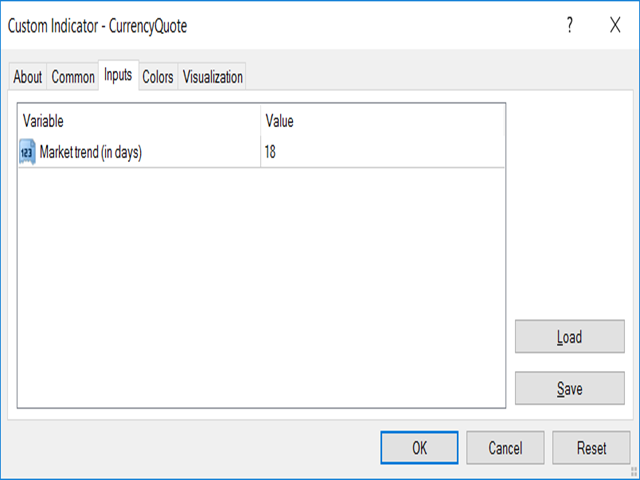
Inputs
- TrendDays – number of days used to determine the market trend.
/confirm/iation
After executing the indicator, you will see this real-time data in the upper right-hand corner of the chart.
Error Handling
Should an error occur, an alert message will provide the associated error code and category.
Installation
To install and run this indicator:
- Find the correct location of your MQL4 folder by going to File --> Open Data Folder.
- Copy the indicator file into MQL4Indicators.
- The indicator should appear in the Indicators section of the Navigator panel.
- Double-click on the indicator or drag it to the chart.
状态:离线 发送信件 在线交谈
姓名:顺水的鱼(先生)
职位:投机客
电话:18391752892
手机:18391752892
地区:默认地区
地址:西安市高新区软件园
邮件:3313198376@qq.com
QQ:3313198376
微信:18391752892
阿里旺旺:顺水的鱼waterfish
Skype:3313198376@qq.com